QR Menus for Food Trucks: The Complete Guide
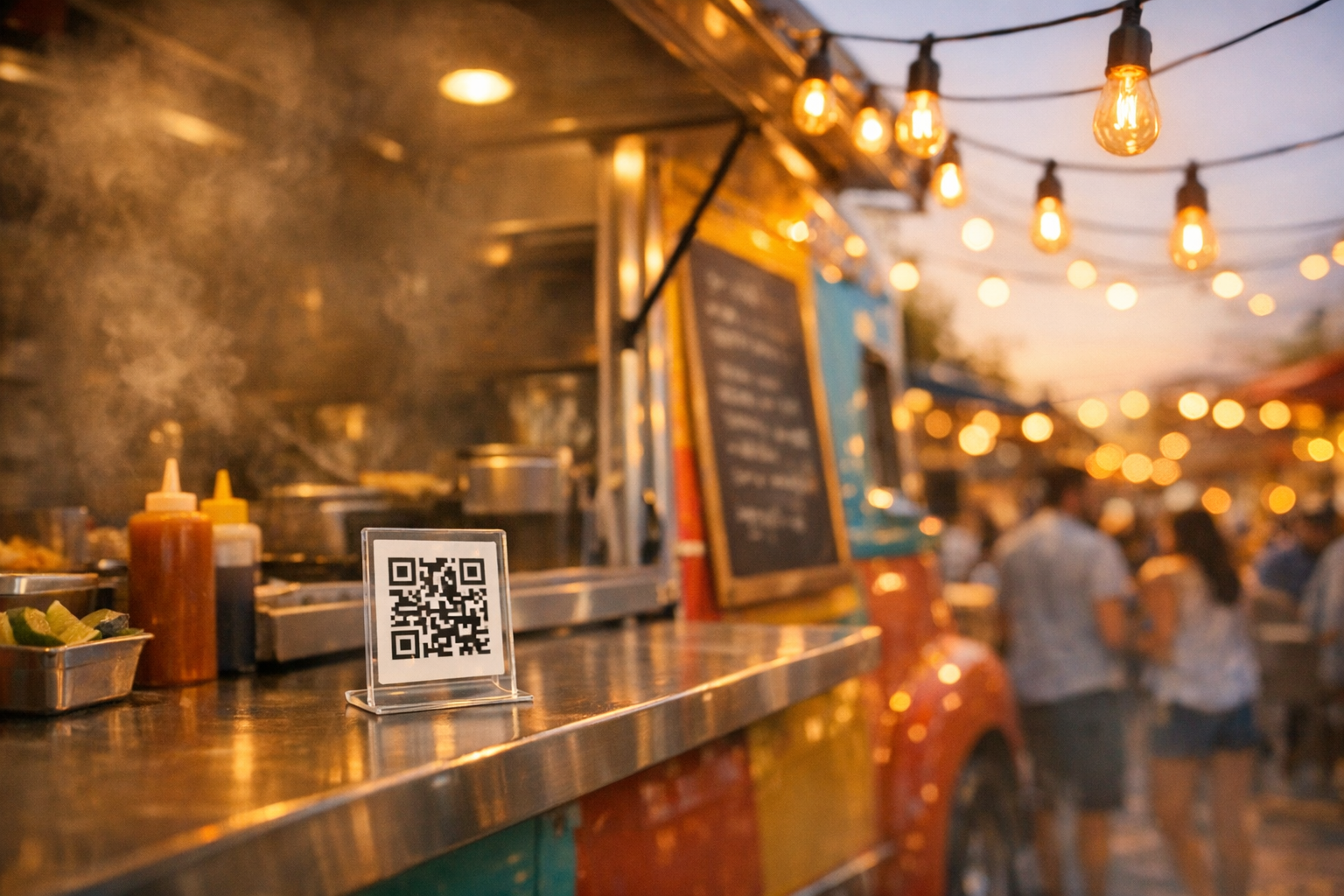
TL;DR: A food truck has a window, a queue, and about 30 seconds per customer, which changes what a QR menu needs to do. Put the code where people already stand: the order window, the truck’s side panel, and any queue barrier, at a size that scans from a few feet back. Keep the menu to one screen with no scrolling for the core items, since nobody is browsing. And lean on the fact that you can change it between events, which is the whole reason a printed board fails a truck that runs a different menu every weekend.
Food trucks operate under constraints that traditional restaurants don’t face. There’s no host stand with a stack of printed menus. There’s no table where customers can sit down and browse. There’s a window, a line of hungry people, and maybe 30 seconds of decision-making time before the person behind them starts getting impatient.
These constraints make food trucks one of the best use cases for QR menus, and one of the most underserved. Most QR menu content is written for sit-down restaurants with table service. Food trucks have different needs, different challenges, and different opportunities.
This guide covers everything food truck operators need to know about setting up, designing, and using QR menus effectively.
Why QR Menus Solve Real Food Truck Problems
QR menus aren’t just a nice-to-have for food trucks. They solve problems that printed menus can’t.
Limited Physical Space
A food truck has a finite amount of exterior surface area, and every square inch is doing multiple jobs: branding, menu display, regulatory information, serving window access. A full printed menu board takes up significant space and becomes unreadable at a distance.
A QR code takes up a fraction of that space. A 4x4 inch sticker on the side of the truck gives customers access to the complete menu on their phone, including photos, descriptions, allergen information, and pricing, without occupying valuable real estate on the truck itself.
Menus Change Constantly
Food trucks tend to change their menus more frequently than sit-down restaurants. Daily specials, limited ingredient runs, seasonal rotations, and event-specific menus are common. Every printed menu change means reprinting, which means time and money.
A digital QR menu can be updated in minutes from your phone. Run out of the brisket at noon? Pull it from the menu before the lunch rush hits. Adding a weekend-only special? Toggle it on Friday evening and off Monday morning. Try doing that with a printed board.
Changing Locations
Food trucks move. A truck might be at a brewery on Tuesday, a farmers market on Saturday, and a corporate campus on Wednesday. Each location has a different customer base with different expectations.
A QR menu stays consistent regardless of location. The truck doesn’t need to bring different signage to different spots. And if the operator wants to tailor the menu for specific events (lighter fare for the yoga studio crowd, heartier options for the construction site), a quick digital update handles it without any physical materials.
Weather and Outdoor Conditions
Printed menu boards fade in sunlight, warp in humidity, and become illegible in rain. Food trucks operate outdoors year-round, and the elements take a toll on physical signage.
A QR code on a durable sticker, metal sign, or laminated card withstands weather far better than a detailed printed menu. The actual menu content lives on customers’ phones, protected from sun, rain, and wind.
Speed of Service
Food truck customers expect speed. They’re standing in line, often on a lunch break, and they want to know what to order before they reach the window. A QR menu lets people in the back of the line browse the menu on their phone while waiting, so they’re ready to order when it’s their turn.
That speeds up throughput, and for food trucks, revenue comes down to how many customers you can serve per hour.
Where to Display QR Codes on a Food Truck
Placement matters more on a food truck than in a restaurant. There’s no table with a tent card waiting for each customer. The QR code needs to be visible and positioned where customers will naturally see it.
The Ordering Window Area
The most obvious placement: directly next to or below the serving window. This is where customers are already looking, and it’s where they make their final ordering decision. A durable sign or sticker with the QR code and a brief call to action (“Scan for full menu”) works well here.
Keep it simple. The QR code should be large enough to scan from arm’s length (at least 3 inches square) and positioned at a height where people don’t have to crouch or stretch.
The Side of the Truck
For food trucks that park in high-traffic areas, a QR code on the side of the truck (near the line) lets people browse the menu while they wait. This is especially valuable during peak hours when the line extends beyond the ordering window.
Consider a larger QR code for the side panel (6 to 8 inches square) since people will be scanning from a greater distance. Pair it with your logo and a short phrase: “See our menu” or “Today’s specials.”
Table Tents and Stands (If Applicable)
Some food trucks set up near picnic tables, seating areas, or event spaces where customers eat. Placing QR code table tents on these surfaces gives people easy access to the menu and encourages repeat visits. It also works as a conversation starter: “Have you tried their brisket? Scan the menu.”
A-Frame or Sandwich Boards
If you use an A-frame sign to attract foot traffic, adding a QR code to it gives passersby a way to check out the menu before committing to the line. This can convert hesitant customers who might otherwise walk past.
Business Cards and Flyers
Print QR codes on business cards or small flyers that customers can take with them. They can check the menu next time they’re near the truck, or share it with friends. A simple card with the truck name, QR code, and social media handles costs almost nothing to print.
Designing a Menu for Fast Decisions
Food truck menus need to be fast. Unlike a sit-down restaurant where people spend five to ten minutes browsing, food truck customers want to scan, decide, and order, ideally in under a minute.
Keep It Short
The best food truck menus are focused. Five to ten items is the sweet spot for most operations. If the menu has 30 items, customers stall on decisions, orders take longer, and the line slows down.
A digital menu makes it easy to maintain a focused public-facing menu while rotating items in and out. You don’t need to list everything you could possibly make. Just what you’re serving today.
Lead with Your Signature Items
Put your best-selling items at the top. The customer scanning the menu in line is looking for a quick decision anchor. If your smoked brisket sandwich is what you’re known for, it should be the first thing they see.
For food trucks with a single specialty (tacos, BBQ, grilled cheese), this is straightforward. For trucks with more variety, organize by category but keep categories to three or four.
Use Photos Strategically
Food photography is powerful on digital menus, but on a food truck menu, it needs to be used selectively. One or two hero images of signature items can drive decisions faster than paragraphs of description. Too many photos slow the scroll and can make the page feel cluttered on mobile.
If professional photography isn’t in the budget, well-lit phone photos of your best dishes can work. The bar for food truck photography is lower than for fine dining. Authenticity and appetite appeal matter more than studio-level perfection.
Include Prices Prominently
Don’t make customers hunt for prices. Every item should have a clear, visible price. Food truck customers are often making a quick cost calculation (“Is this worth $14 for lunch?”), and burying the price creates friction.
Note Allergens and Dietary Options
If items are gluten-free, vegetarian, or vegan, mark them clearly. Dietary icons or tags next to relevant items work better than a separate allergens section that customers might not scroll to. This is especially important at events and markets where customers have diverse dietary needs and limited alternatives.
Setting Up Your Food Truck QR Menu
Step 1: Choose a Platform
Look for a QR menu platform that supports quick updates, mobile-optimized design, and affordable pricing. For a single food truck, you don’t need enterprise features. You need something that looks good, loads fast, and lets you edit the menu from your phone in two minutes.
Platforms like MenuStack offer free tiers that are more than sufficient for a food truck operation. The AI menu builder can generate a complete first draft of your menu in minutes, which you can then refine with your actual items and pricing.
Step 2: Build Your Menu
Start with your current menu items. For each item, include:
- Item name: Clear and descriptive
- Price: Prominent and current
- Brief description: One sentence max. Focus on key ingredients or what makes it special.
- Dietary tags: Vegetarian, vegan, gluten-free, contains nuts, etc.
- Photo: Optional, but recommended for your top two or three items.
Organize items into logical sections if you have more than six items. “Sandwiches,” “Sides,” “Drinks” is a common structure. Keep section names short and intuitive.
Step 3: Generate Your QR Code
Most QR menu platforms generate the code automatically when you publish your menu. Download the QR code image in high resolution (at least 300 DPI) for printing.
A few tips for the QR code itself:
- Test it. Before printing anything, scan the QR code with multiple phones (iPhone, Android, different screen sizes) to verify it works and the menu loads correctly.
- Use a static URL. Some platforms let you change the menu content without changing the QR code URL, which means you never need to reprint the code even when the menu changes. This is essential for food trucks.
- Consider a branded QR code. Some platforms generate QR codes with your logo embedded. This looks more professional than a generic black-and-white pattern, though readability is more important than aesthetics.
Step 4: Print and Place
For food truck QR codes, durability matters. Standard paper printouts won’t survive a day of outdoor operation. Invest in:
- Weatherproof stickers: Vinyl stickers with UV-resistant lamination. Apply directly to the truck exterior.
- Metal or acrylic signs: Small mounted signs near the ordering window. More professional looking and extremely durable.
- Laminated cards: For table tents, A-frames, or handouts.
Order multiple copies. QR codes get scratched, stained, and worn over time. Having replacements on hand means you’re never operating without a scannable menu.
Step 5: Test in the Field
Before relying on the QR menu during a busy service, test it during a slow period. Watch how customers interact with it. Can they find the QR code easily? Does the menu load quickly on mobile data (not just Wi-Fi)? Are they able to make decisions quickly from the digital menu?
Make adjustments based on what you observe. If customers are squinting at the QR code, make it bigger. If the menu takes too long to load, reduce image sizes. If people aren’t noticing the QR code, add signage that draws attention to it.
Handling Seasonal and Event-Specific Menus
This is where digital menus really pay off for food trucks. You can change what’s on the menu without touching anything physical.
Daily Specials
If your truck runs daily specials (and it should, since specials create urgency and repeat visits), toggle them on and off each day. A well-designed QR menu platform lets you add a “Today’s Special” section that you update each morning in minutes.
Event Menus
Food truck rallies, festivals, and catered events often benefit from a streamlined menu. At a busy festival, you might cut your regular menu down to your three fastest-to-serve items. A digital menu lets you create event-specific versions and switch between them as needed.
Seasonal Rotations
Seasonal ingredient changes are part of food truck life. Summer menus might feature lighter fare and cold drinks; winter menus might lean into soups and heartier dishes. With a digital menu, you create the seasonal version once and switch it live in seconds when the season changes. No reprinting, no wasted materials.
Price Adjustments
Ingredient costs fluctuate, and food trucks need to adjust pricing in response. A digital menu lets you update prices instantly rather than crossing out numbers on a printed board (which always looks unprofessional) or waiting until the next print run.
Measuring Success
Once your QR menu is live, pay attention to a few key metrics:
Scan rate: What percentage of customers are actually scanning the QR code? If it’s low, the placement or signage might need improvement. Most QR menu platforms provide scan analytics.
Menu load time: Test this regularly on mobile data, not Wi-Fi. Food trucks often operate in areas with variable cell coverage. If the menu takes more than three seconds to load, consider reducing image sizes or simplifying the page.
Customer feedback: Just ask people. “Did you use the QR menu?” and “Was it helpful?” are easy questions to toss out during slower periods, and you’ll learn a lot.
Order speed: After implementing the QR menu, track whether average order times decrease. If customers in line are browsing the menu on their phones, they should be ready to order faster when they reach the window.
Making It Work Long-Term
A QR menu isn’t set-it-and-forget-it. The food trucks that get the most out of it treat the menu as something that evolves:
- Update weekly (at minimum) to reflect available items and specials.
- Refresh photography quarterly as items change and your food styling improves.
- Check QR code readability monthly, since stickers fade, scratches accumulate, and signs get dirty.
- Review the menu structure seasonally. Are items in the right order? Are descriptions still accurate? Is the menu still focused, or has it grown bloated?
Food trucks that keep their digital menu up to date will notice the difference over time: faster service, fewer questions from customers, easier menu changes, and a more professional look than the truck down the street with a faded chalkboard.
The cost is minimal: a free or cheap platform, a few printed QR codes, and five minutes a week for updates. What you get back is a better experience for customers, faster service, and the ability to change your menu as fast as your kitchen changes what it’s cooking.