Menu Engineering 101: Design a Menu That Increases Sales
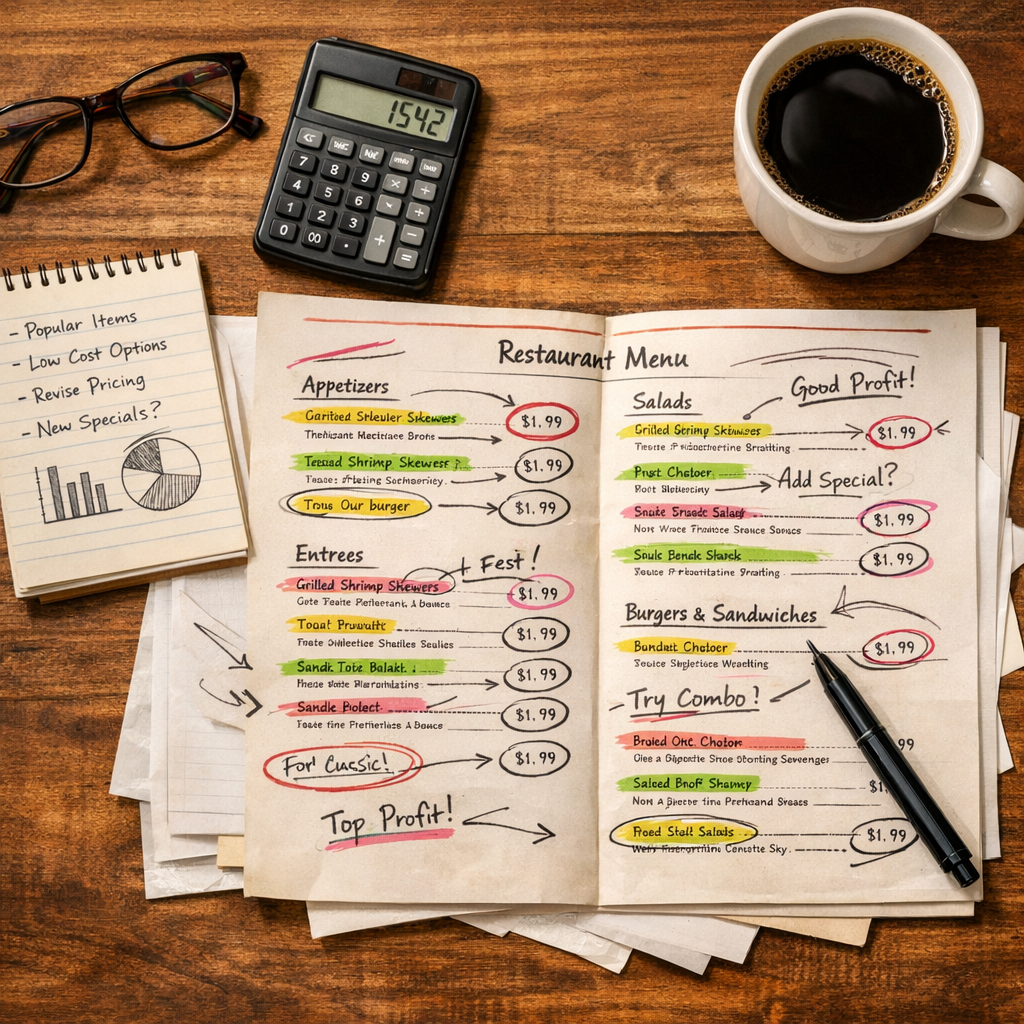
Your menu is your single most important sales tool. Not your Instagram, not your Yelp reviews, not your server’s recommendations. Your menu. It’s the one thing every customer interacts with before they spend money, and the way it’s designed directly impacts what they order and how much they spend.
Menu engineering is the practice of strategically designing your menu to maximize profitability. Restaurants that apply these principles consistently see a 10-15% increase in profits. Not revenue, profits. For a lot of restaurants, that’s the difference between breaking even and actually making money.
This guide covers the fundamentals: how to categorize your items, price them psychologically, lay them out strategically, and describe them in ways that sell. Whether you’re working with a printed menu or a digital one, these principles apply.
What Is Menu Engineering?
Menu engineering combines food cost analysis, psychology, and design to make your menu work harder. The concept originated in the 1980s from research by Michael Kasavana and Donald Smith at Michigan State University, and it’s been refined a lot since then.
At its core, menu engineering answers two questions:
- Which items are making you money? (Not just popular items, profitable items.)
- How can your menu design steer customers toward those items?
This isn’t about tricking people into ordering things they don’t want. It’s about making your most profitable dishes easy to find and hard to resist. When it works, customers end up happy with what they ordered and you make a better margin.
How Top Restaurants Use It
High-performing restaurants don’t just list items and prices. They engineer every element:
- The order in which categories appear
- Which items get prominent placement
- How prices are displayed
- The language used in descriptions
- Which items get photos or visual emphasis
- The total number of items per section
Every choice is intentional. And the restaurants that take this seriously consistently outperform those that don’t.
The Menu Engineering Matrix
Before you redesign anything, you need to know what’s working. The menu engineering matrix categorizes every item on your menu based on two factors: profitability (contribution margin) and popularity (sales volume).
Stars (High Profit, High Popularity)
These are your best items. Customers love them and they make you money. Your job: keep them prominent, don’t mess with them, and make sure they’re easy to find on the menu.
Action: Feature these items. Give them prime placement, photos, and descriptions that reinforce their appeal.
Puzzles (High Profit, Low Popularity)
These items have great margins but customers aren’t ordering them. The dish is profitable, but people just don’t know about it or aren’t drawn to it.
Action: Increase visibility. Better descriptions, better placement, staff recommendations, or a “Chef’s Pick” callout can move Puzzles into Star territory.
Plow Horses (Low Profit, High Popularity)
Customers order these a lot, but they don’t contribute much to your bottom line. They’re often comfort food staples or items priced too low relative to their food cost.
Action: Carefully increase prices (small increments), reduce portion sizes slightly, or adjust the recipe to improve margins. Don’t remove them. Customers expect them. Just make them work a bit harder for you.
Dogs (Low Profit, Low Popularity)
Nobody orders them and when they do, you barely make money. These items are taking up valuable menu space.
Action: Remove them or reimagine them entirely. Every item on your menu should earn its spot.
How to Categorize Your Items
Pull your sales data for the past 3-6 months. For each item, calculate:
- Contribution margin = Selling price - Food cost
- Sales volume = Number of units sold
Plot each item on the matrix. The average contribution margin and average sales volume divide the four quadrants. Items above average in both are Stars. Below average in both are Dogs. You get the idea.
This exercise alone, before you change a single thing on your menu, will probably surprise you. Most restaurant owners find a few items they assumed were winners are actually dragging down margins.
Pricing Psychology That Works
How you display prices matters as much as the prices themselves.
Drop the Dollar Sign
A well-known Cornell University study found that guests spend more when prices are displayed without dollar signs. Instead of “$24.00,” use “24” or “twenty-four.”
The dollar sign activates what psychologists call “the pain of paying.” It reminds customers they’re spending money. Remove it, and the transaction feels less transactional.
This works on both print and digital menus. On digital menus, it’s even easier to implement since you control the formatting centrally.
Price Anchoring with Premium Items
Place a high-priced item near the top of a section. This “anchor” makes everything else seem more reasonable by comparison.
If your most expensive entree is $42 and your target item is $28, placing the $42 item prominently makes the $28 item feel like good value. Without the anchor, $28 might feel expensive on its own.
You don’t need many high-priced anchors. One or two per section is enough.
Charm Pricing vs. Round Numbers
The $9.99 trick works in retail, but research on restaurant menus is mixed. In casual dining, charm pricing ($14.95, $9.99) can work. In fine dining, it feels cheap.
A good rule of thumb:
- Fast casual and casual dining: Charm pricing is fine. $12.95 instead of $13.
- Upscale casual and fine dining: Round numbers feel more premium. $28 instead of $27.95.
- Coffee shops and cafes: Round numbers are increasingly standard and feel modern. $5 instead of $4.99.
Nested Pricing (Good, Better, Best)
Offer sizes or tiers for appropriate items. Small/Medium/Large, Half/Full, or tiered additions. This does two things:
- It gives customers a sense of control.
- The middle option (which is usually the most profitable) becomes the default choice.
Most people avoid the cheapest option (it feels inadequate) and the most expensive (it feels extravagant), landing on the middle. Price your middle option to have the best margin.
Layout and Placement Strategies
Where items sit on your menu directly influences what customers order.
The Golden Triangle
Eye-tracking studies show that when customers open a menu, their eyes follow a predictable pattern:
- Center of the page (first look)
- Upper right (second look)
- Upper left (third look)
This “golden triangle” is your prime real estate. Place your highest-margin items in these positions. Don’t waste these spots on items everyone would order anyway.
On digital menus viewed on phones, the pattern is simpler: top of the screen gets the most attention. Items at the top of each category get ordered more. Use this to your advantage.
Boxing and Highlighting High-Margin Items
Drawing a subtle box, border, or background color behind an item draws the eye. Research shows that boxed items get noticeably more attention and orders.
On digital menus, you can use:
- Featured or highlighted item styling
- “Chef’s Pick” or “Popular” badges
- Photos (items with photos get more orders)
- Different background colors for featured sections
Use this technique sparingly. If you highlight everything, you highlight nothing.
Section Order and Flow
The order of your menu categories matters:
- Start with appetizers/starters (high margin, sets the tone)
- Follow with your highest-margin entree category
- Place sides and add-ons near the entrees
- End with desserts and beverages
Within each section, place your Stars and Puzzles first. Plow Horses in the middle. Dogs… shouldn’t be on the menu at all.
Descriptions That Sell
The words on your menu directly influence ordering behavior. Research from Cornell found that descriptive menu labels increased sales by 27% and improved customer satisfaction.
Sensory Language
Engage the senses beyond taste:
- Touch/texture: Crispy, silky, tender, crunchy, velvety
- Temperature: Chilled, warm, sizzling, ice-cold
- Sound: Crackling, sizzling
- Visual: Golden, vibrant, charred
“Grilled salmon” becomes “Cedar-plank roasted salmon with crispy skin, charred lemon, and a silky dill cream.” Same dish. Way more appealing.
Origin and Provenance Stories
Names and origins add perceived value:
- “Heritage tomatoes” instead of “tomatoes”
- “Snake River Farms wagyu” instead of “beef”
- “Grandmother’s recipe” instead of just the dish name
- “Line-caught” instead of just “fish”
These details make customers feel like they’re getting something special. People will pay more for items with a story behind them, even when the actual ingredients are the same.
Optimal Description Length
Research points to a sweet spot of 15-25 words for menu descriptions. Long enough to paint a picture, short enough to scan quickly.
Too short: “Grilled chicken with salad.” (No appeal.) Too long: “Our free-range, organic, locally-sourced chicken breast is carefully marinated in a blend of Mediterranean herbs for 24 hours, then grilled to perfection over natural hardwood charcoal and served alongside a vibrant seasonal salad…” (Nobody reads this.) Just right: “Herb-marinated free-range chicken, grilled over hardwood charcoal, with a bright citrus-dressed seasonal salad.” (Appealing, specific, scannable.)
Applying Menu Engineering to Digital Menus
Everything above applies to both print and digital menus. But digital menus offer unique advantages for menu engineering.
Easy A/B Testing
With a digital menu, you can test two versions and compare results. Try different item orders, descriptions, or featured items and see which performs better. On print, every test requires a reprint. On digital, it takes seconds.
Quick Changes
Identified a Dog on your menu? Remove it immediately. Want to test new pricing? Change it tonight. Seasonal ingredient unavailable? Update the description in real time.
The speed of digital changes means you can iterate your menu engineering continuously rather than waiting for your next print run.
Mobile-Specific Considerations
Digital menus are viewed on phones, which changes some layout dynamics:
- Vertical scrolling replaces the spread-open menu. Items at the top of each section get more attention.
- Photos have more impact on small screens. A food photo on a phone fills a good chunk of the viewport.
- Descriptions need to be even tighter. Mobile users scan faster and have less patience for long text.
- Category navigation (jump links or tabs) helps customers find what they want without excessive scrolling.
Measuring Results
Menu engineering isn’t a one-time exercise. Track these metrics monthly:
- Average check size. Is it increasing?
- Item mix. Are high-margin items being ordered more?
- Food cost percentage. Is it trending down?
- Customer satisfaction. Are customers commenting positively on the menu?
Compare 30-day windows before and after changes. Give each change at least 2-4 weeks before evaluating. You need enough data to draw conclusions.
Start Engineering Your Menu Today
You don’t need to overhaul everything at once. Start with these three steps:
- Categorize your items using the Star/Puzzle/Plow Horse/Dog matrix.
- Rewrite descriptions for your top 5 highest-margin items.
- Rearrange your menu to put Stars and Puzzles in prime positions.
These three changes alone can make a noticeable difference in your margins. Then keep iterating.
If you’re using a digital menu, these changes take minutes to implement. If you’re still on print, consider switching to digital so you can test and optimize without reprinting every time.